

I'm at the Austin airport waiting for my flight to board. (Yep, more 802.11b. It's becoming pervasive.) I had a great time at sxsw, even though I didn't get to say hi (or bye) to everyone I wanted to. It's sometimes a tough event for an introvert like me, but it was fun. And it was great to talk shop with very smart people concerned about the same things I am. Also great to have a beer with them and not talk about web stuff. Web people are great people all around. I have lots of new ideas to digest.
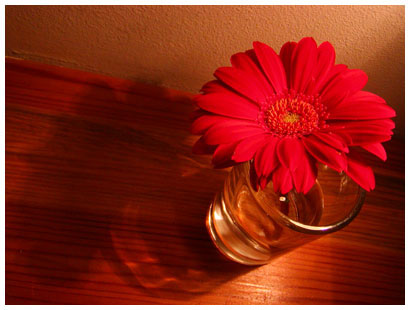
A great image from the conference over at sxswblog. I'll try to get pictures I've taken up when I get home.

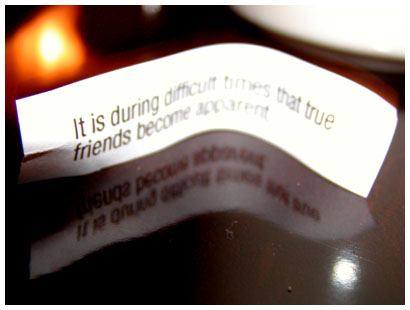
it is during difficult times that true friends become apparent
I'm posting from a panel at sxsw because I can. 802.11b is the best.
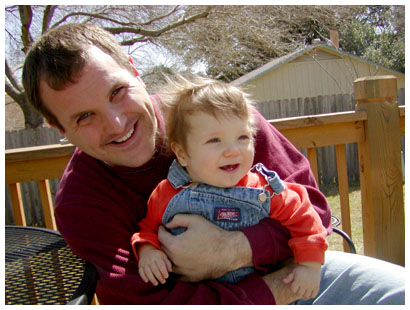
Got to hang out with my friend Erik the other day. Here's a pic with his son, Jack.
Did I get things wrapped up? Yes. As much as things are ever wrapped up.
Tomorrow morning I'm off to Austin. See ya tomorrow night, Erik! Oh, and there's something called South by Southwest going on. I'll see you there. (If you take notes at the conference, think about sharing them.)
Just found out on Erik's weblog that they shut down Waterloo Brewing Company. boo!
I know I'm stressing out about getting things wrapped up before my trip to Austin because it's affecting my dreams. Last night I had a dream that I was in Texas, flipping through a conference related magazine. I stopped at a glossy advertisement that was a bluish-gray iconic photo of a footprint on the moon. The ad copy said, "The next technology breakthrough will be like blogging on the moon." I have no idea what that means, but I like the sound of blogging on the moon.
[image from NASA]
I'm not a big fan of putting pictures of myself up here, but I figure what the hell. It didn't really fit into the design, but I put a picture on my about page. You may have seen me at another site from time to time too.

Last night skp and I saw all of the Academy Award nominated short films, both animated and live action. Somehow the independent theatre in Santa Rosa got a copy of them for a week. (They accompanied ads for the shorts with, "You have no idea how special you are!") The place was completely full, and the owner of the theatre came out and spoke before the show. He said this was the smallest town to get the print and it will be sent to LA after it shows here. It was so good. Much better than last year's nominated shorts that we saw after the Oscars. My choice for best live action is The Accountant, a 35 minute dark comedy about the state of agriculture culture in our country. And a 3 1/2 minute cartoon from Pixar, For the Birds, made me laugh until I cried.
It makes me wish theatres would play shorts before the main feature. There are some great things being done under 90 minutes.
If you haven't visited the page for the snapGallery script lately, quite a few people are using the script to post pictures. There are about 35 galleries in the news section; vacation photos, family photos, party photos, weird experiment photos, artistic photos, professional photos...well, you get the idea. photos.
I also put up a new snapGallery of photos from a walk yesterday.
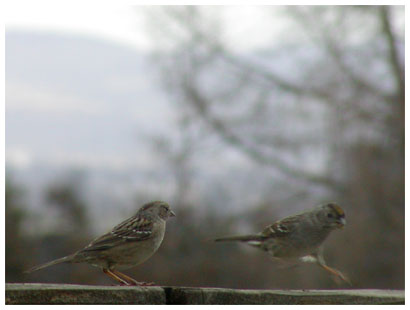
This picture cracks me up. It looks like the bird on the left is going to say something to the bird on the right.
February is over! Man, that was quick.